Bluetooth Low Energy remote control
The BLE multitool for robot control
Your phone becomes a gamepad. SPIKE, MINDSTORMS, ESP32, micro:bit — or anything that speaks Bluetooth Low Energy. You write two lines that map sticks to motors. Free to download. No ads.



-
Universal controls Thumbsticks, buttons, D-pad, trims, and triggers — a full gamepad on the screen, or pair a Bluetooth gamepad.
-
Two-way communication The robot talks back. A CoCube sends “Goal !!!” to the app the moment it scores. Text or live video shows up on the gamepad while you drive.
-
Direct BLE connection Tiny packets. No cloud. No lag.
Two lines. Or blocks.
BlueMote is not a robot-specific app. You simply tell the robot how to respond to stick values and buttons. This setup is versatile, and the link feels lagless — because it is simple.
It is bi-directional too. The robot can send text back to the app: a CoCube reports “Goal !!!”, a Maqueen streams its distance sensor reading.
Works with the btbricks RCReceiver on MicroPython, the MakeCode extension, the MicroBlocks library, and any device that implements Nordic UART. On micro:bit, both MakeCode and MicroBlocks need a V2: the V1 does not have enough memory for BLE. In MakeCode set No pairing required. A micro:bit name cannot be changed, so clear the name filter in the app.
turn, speed = rcv.controller_state(L_STICK_HOR, L_STICK_VER)
drive(speed, turn)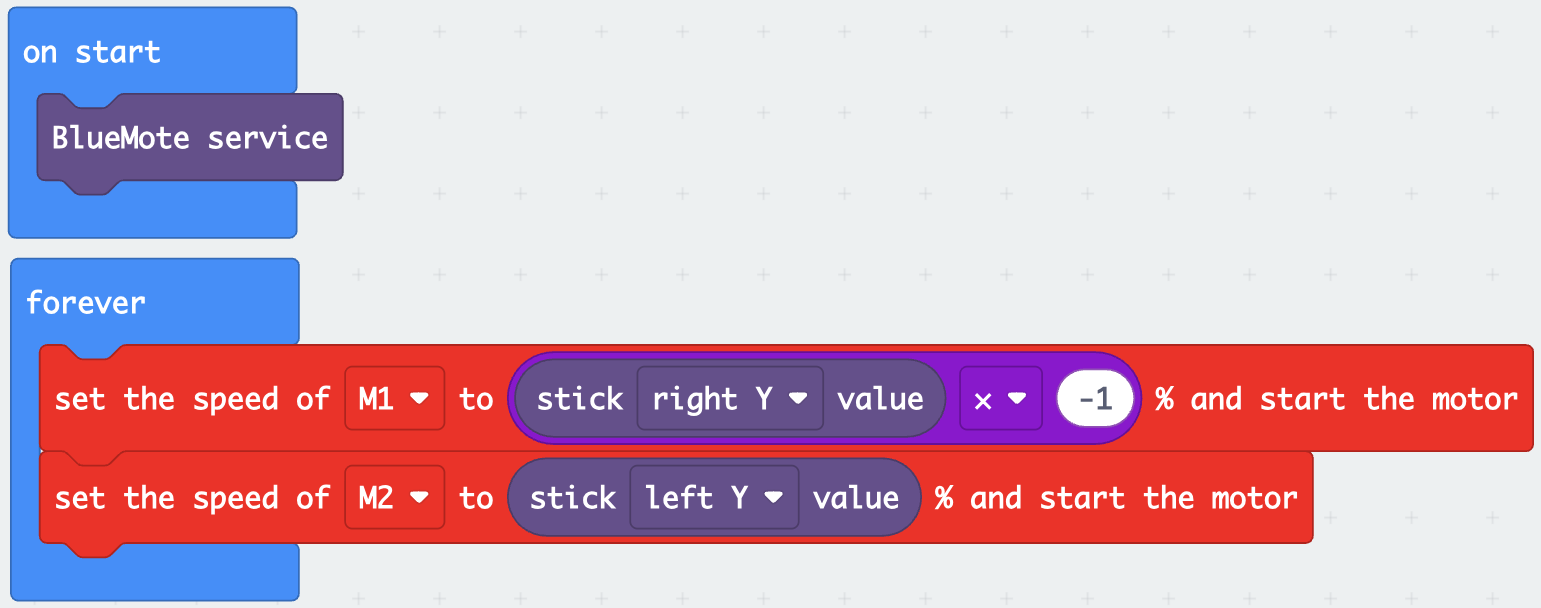

One app. Many robots.
With extensitons, libraries, and examples, BlueMote works with many platforms.
- SPIKE Prime
- MINDSTORMS
- LMS-ESP32
- ESP32
- CoCube
- micro:bit V2
- MicroBlocks
- OpenMV
See it drive
Live video on the gamepad, a MINDSTORMS hot rod, a servo spider on LMS-ESP32, and two MicroBlocks robots that talk back to the app.
Transform your phone into a gamepad
Dual analog sticks, D-pad, ABXY, triggers, sliders. Landscape, made for thumbs. On every version — Android, iPhone, iPad and Mac.
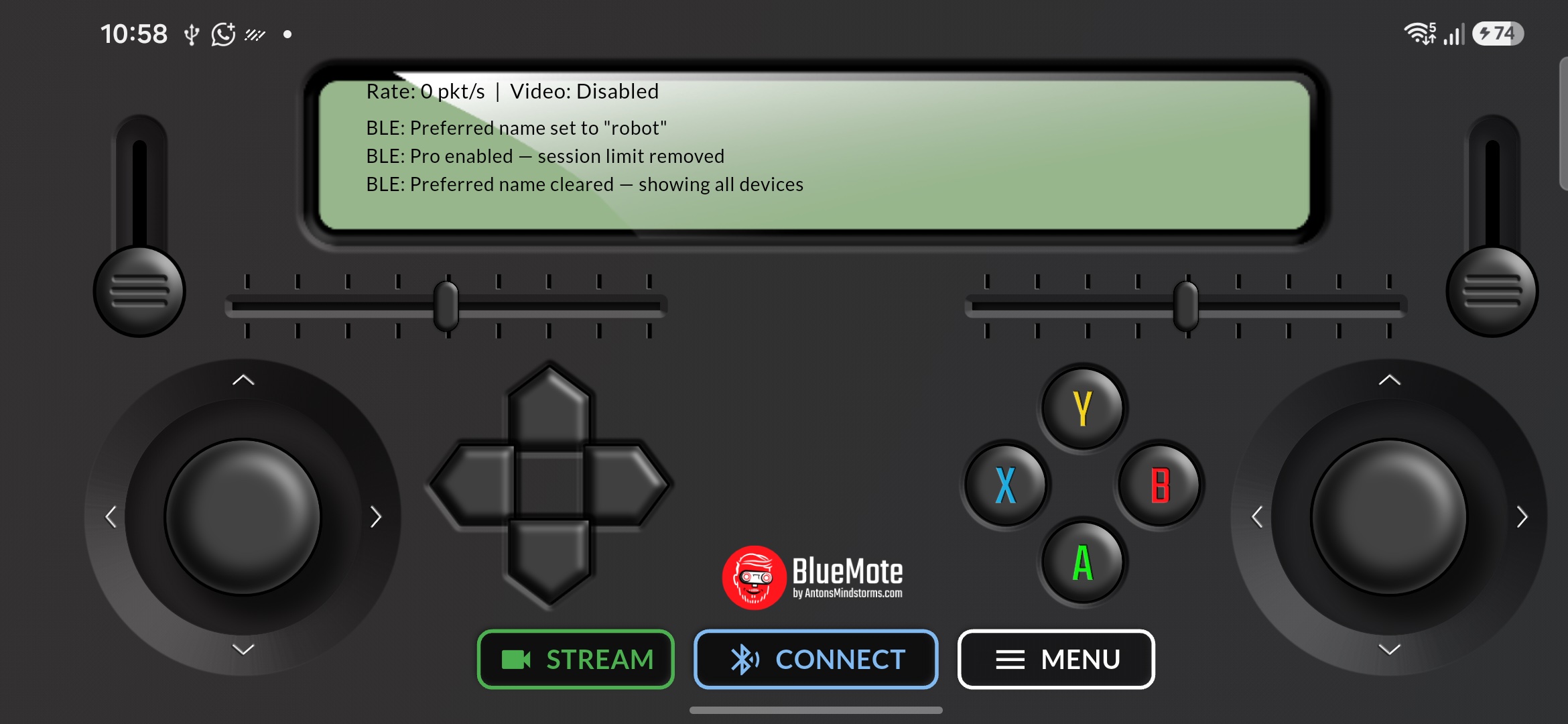
Connect a real gamepad to BlueMote
Use any Bluetooth gamepad to drive your robot with real sticks and buttons, or use the app's virtual gamepad on your phone.

Streaming video
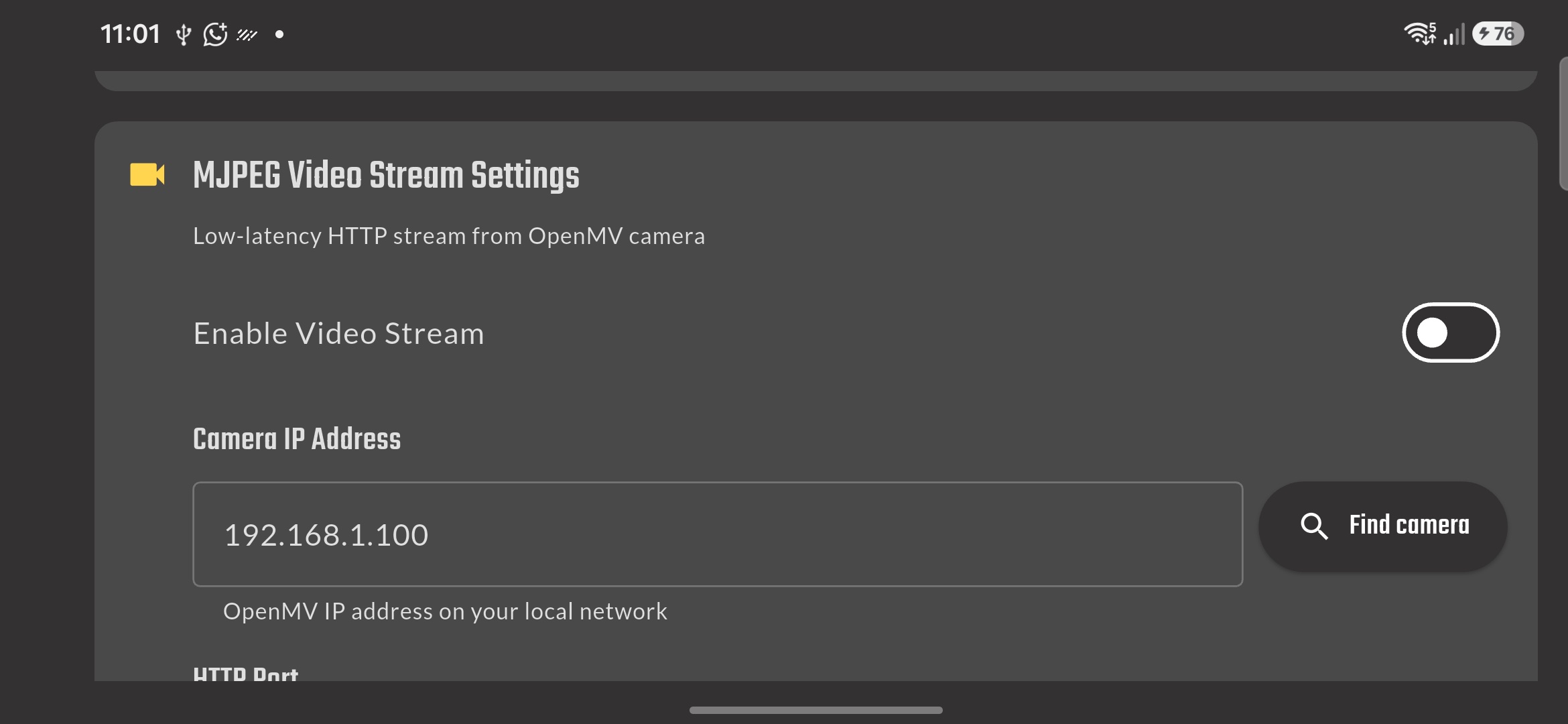
Enable MJPEG and the camera feed sits behind the controls at half opacity. Drive with the sticks, see what the robot sees. Separate from BLE — the radio stays free for the packets.
Documentation and examples
Setup guides and builds on Anton's Mindstorms. Start with the protocol, then pick a robot.
-
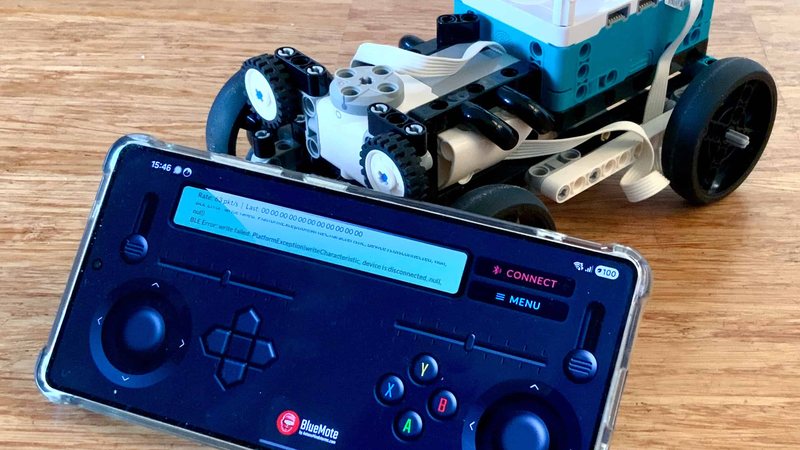 BlueMote app docs
RCReceiver setup, stick values, and how the BLE packet is shaped.
BlueMote app docs
RCReceiver setup, stick values, and how the BLE packet is shaped.
-
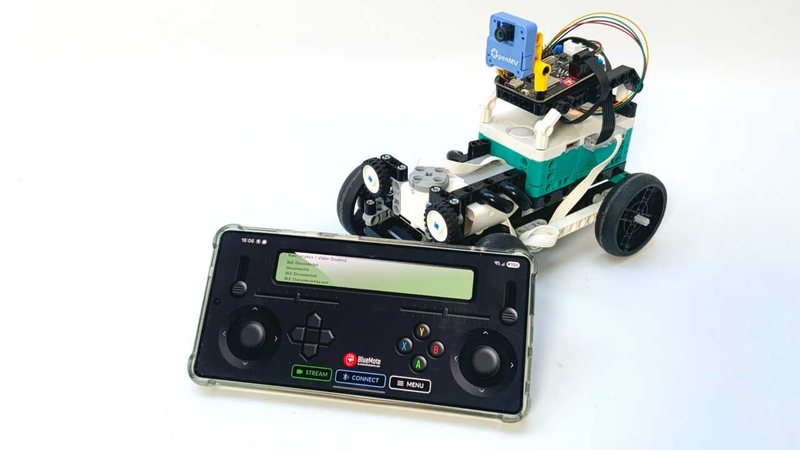 Drive with live video
BlueMote plus OpenMV MJPEG — FPV while you steer.
Drive with live video
BlueMote plus OpenMV MJPEG — FPV while you steer.
-
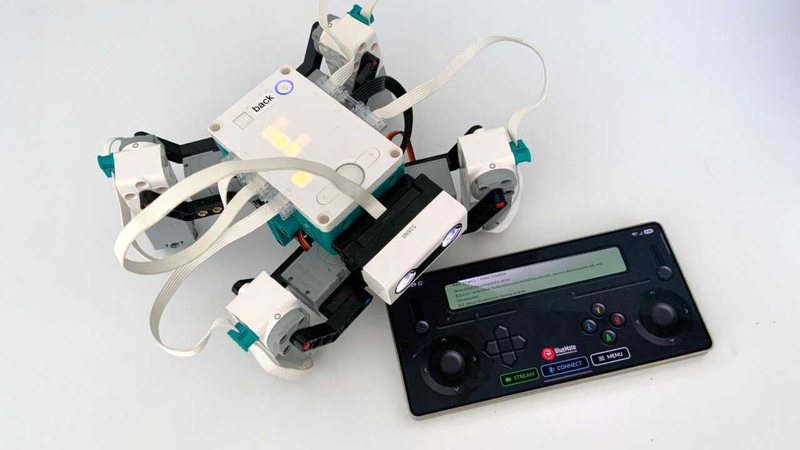 Servo spider over the phone
LMS-ESP32 MicroPython bridge, uRemote on the hub, BlueMote in your hand.
Servo spider over the phone
LMS-ESP32 MicroPython bridge, uRemote on the hub, BlueMote in your hand.
-
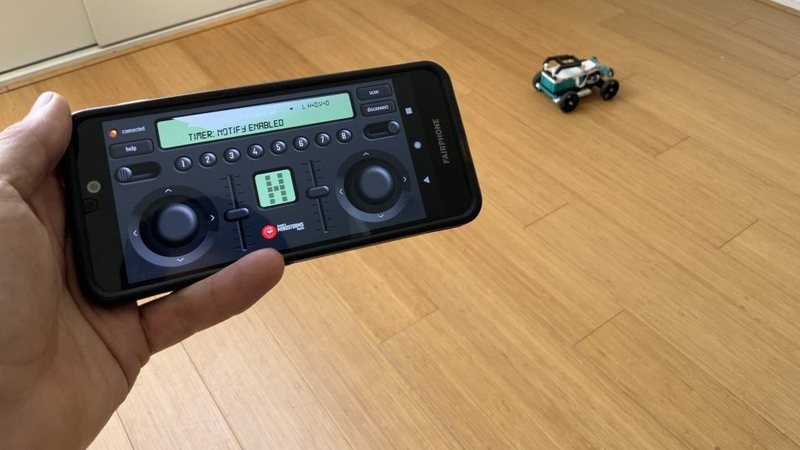 MINDSTORMS Robot Inventor car
Python on the hub, lagless BLE from the phone.
MINDSTORMS Robot Inventor car
Python on the hub, lagless BLE from the phone.
-
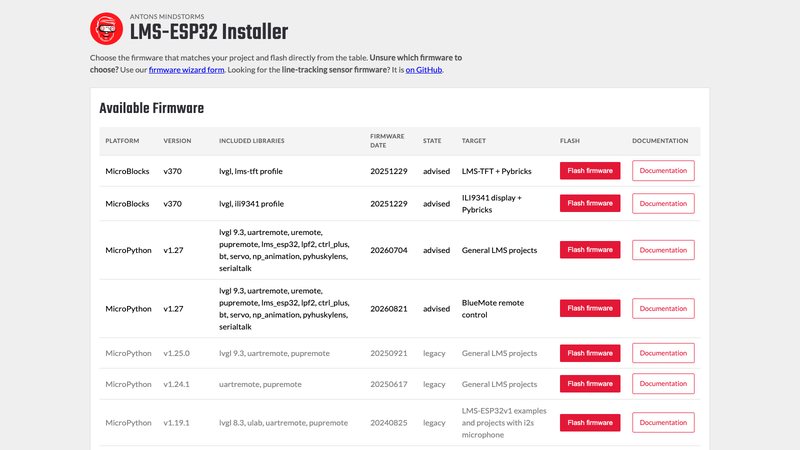 LMS-ESP32 MicroPython firmware
Flash the board that talks to BlueMote, Pybricks, and OpenMV.
LMS-ESP32 MicroPython firmware
Flash the board that talks to BlueMote, Pybricks, and OpenMV.
-
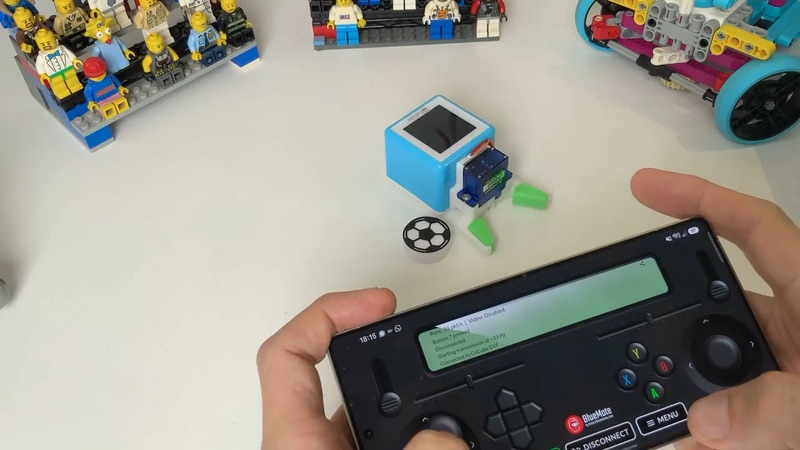 MicroBlocks examples
Ready-made projects for CoCube, ESP32 and micro:bit V2, with the BlueMote library.
MicroBlocks examples
Ready-made projects for CoCube, ESP32 and micro:bit V2, with the BlueMote library.
Free to download. No ads.
Drive what you build.
Available on Google Play for Android and on the App Store for iPhone, iPad and Mac. A one-time Pro unlock removes the daily drive limit and lets you name a specific robot.